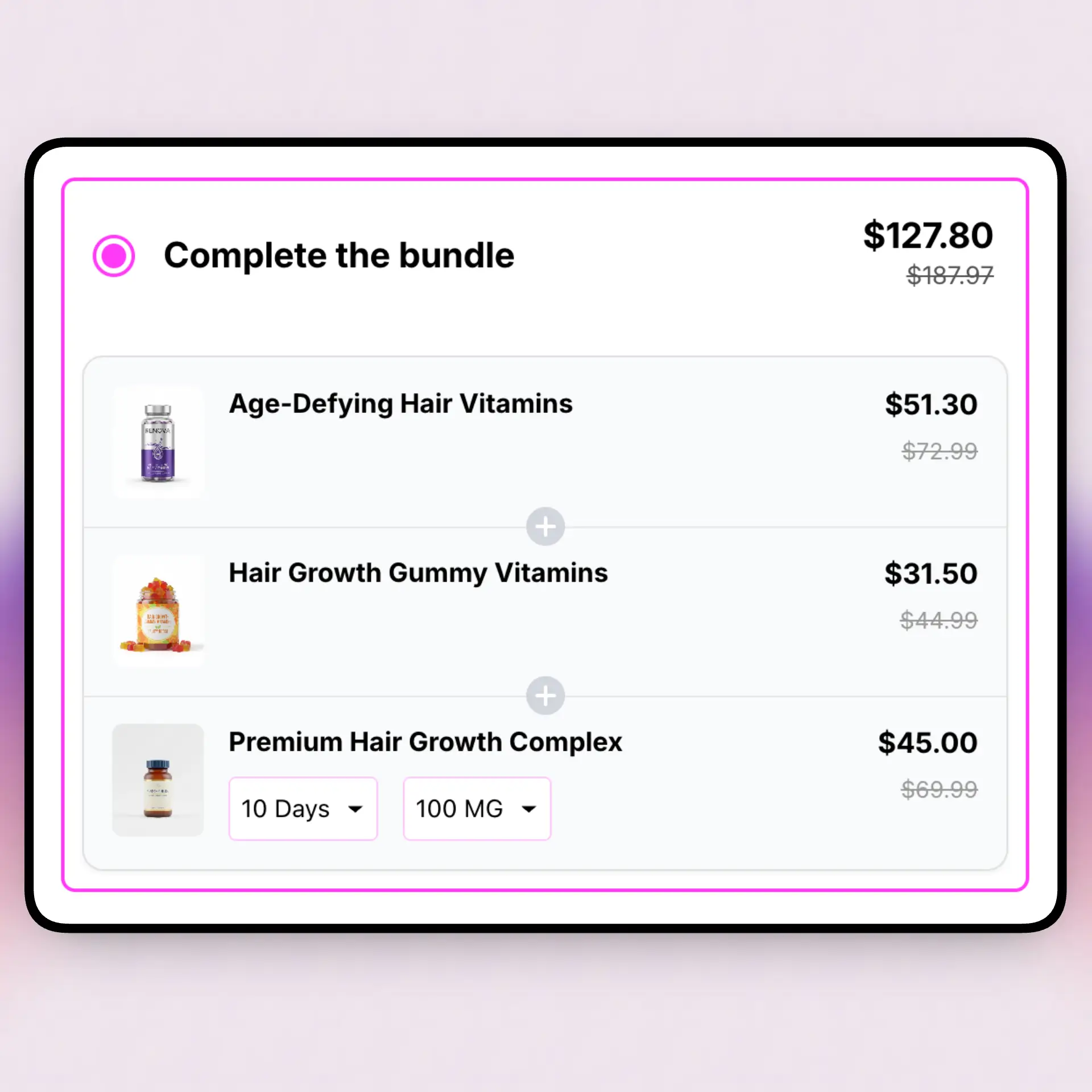
Quick Answer
To bundle products on Shopify at scale, don't build a bundle for every product. Group similar products, then use a mix-and-match or Build Your Own Box offer so one setup covers the whole group. Pick a cart-based app (one that discounts your real products at checkout) so you don't create extra bundle SKUs. Start with your best sellers, then expand. Shopify's free Bundles app only does fixed bundles and multipacks, so most large stores use a dedicated app like Oxify.
Recommended: a no-code app for scale
Want bundles live this week without touching code? Oxify is our pick. It runs the offer types that cover many products with one setup — mix-and-match and Build Your Own Box — plus fixed bundle discounts, BOGO, quantity breaks (tiered "buy more save more" pricing), volume discounts, and free gift with purchase offers. Discounts apply automatically at checkout with no codes, it works with Shopify Functions, and it has built-in analytics and A/B testing.
Pricing that suits a big catalog: one $14.99/month plan (14-day free trial) with no revenue or order cap, so adding collections or scaling volume never bumps you to a higher tier. Rated 4.9★ on the Shopify App Store.
Key Takeaways
- Bundle by group, not product by product. One mix-and-match rule can cover hundreds of SKUs.
- Use a cart-based app so bundles discount your real products instead of spawning extra ones.
- Shopify's free Bundles app does only fixed bundles and multipacks, with no bulk edit and no mix-and-match.
- Bundles should draw down component stock, so check inventory and your 3PL before you scale.
- Start with best sellers, prove it, then roll out wider.
- Ignore the hyped "AOV up 30%" stats. Measure your own before and after.
Big catalog. Lots of products. And a nagging feeling you're leaving money on the table by selling everything one item at a time.
You're right. Bundles lift order value. The problem isn't the idea. It's the work, and a few traps that only show up at scale.
We build bundle and quantity break tools for Shopify, so here's the honest version. The thing that stalls big catalogs isn't the strategy. It's two mistakes: building bundles by hand, and using a tool that clutters your store with a new product for every bundle. Fix those two and bundling a huge store gets fast. Here's how.
The 3 Native Ways to Bundle (and Where They Break)
You have three ways to bundle on Shopify before you add a paid app. Each one works for a few products. Each one breaks on a big catalog.
- The free Shopify Bundles app. It does fixed bundles and multipacks. It creates a new product for each bundle, and there's no mix-and-match across a group.
- A manual "bundle product." You build a new product that stands for the set. You lose clean stock tracking, and you do it by hand every time.
- Custom code or Shopify Functions. The most control, but you need a developer and ongoing upkeep. On a big catalog that gets pricey fast.
The free app is the most common starting point. So it's worth knowing exactly where it stops.
What Shopify's native Bundles app can't do
- Only fixed bundles and multipacks. No mix-and-match across a collection.
- It creates a separate product for each bundle.
- No bulk edit, import, or export of bundles.
- A bundle discount won't stack with your other automatic discounts.
- Not compatible with subscriptions or pre-orders.
- The bundle price doesn't auto-update when a component's price changes.
- Per-bundle size caps: up to 30 products in a fixed bundle (150 for dynamic), 100 variants, 3 options.
Source: Shopify Help Center — bundles eligibility and considerations.
None of that is a dealbreaker for 5 bundles. All of it bites when you have hundreds. The "no bulk edit" and "a product per bundle" parts are the ones that hurt most at scale. We'll fix both below.
The Extra-SKU Problem Nobody Warns You About
Here's the trap that quietly wrecks big catalogs. Bundle tools work in one of two ways:
- Product-based bundles. The tool creates a brand-new product (or variant) that stands for the set. Shopify's native fixed bundle works this way, and so do some older apps.
- Cart-based bundles. The tool leaves your catalog alone. It just discounts your real products together in the cart, usually through Shopify Functions.
On a small store, product-based bundles are fine. On a large one, they pile up fast. Build 500 bundles and you've added 500 new products. That clutters:
- Your product list and admin search
- Your reports (sales split across "real" and "bundle" products)
- Your inventory, if stock isn't linked back to the real items
- Your storefront search and feeds, where ghost products show up
The one question to ask any bundle app
"Does it create a new product for every bundle?" On a large catalog, that's the difference between clean and chaos. Cart-based apps that discount your existing products keep your catalog tidy. That's what you want at scale.
Most modern, Functions-based apps are cart-based, so this is less common than it used to be. But it still varies app to app, so always check before you commit.
Bundle by Group, Not by Product
This is the mindset shift that makes a big catalog easy.
Stop thinking in products. Start thinking in groups and rules.
A per-product bundle covers one item. A mix-and-match offer covers a whole group. You set a rule like "any 3 from the Candles collection, save 15%." That one rule works the same whether the group holds 5 candles or 500. Your setup time stays flat while your catalog grows.
Two group-based offer types do the heavy lifting:
- Mix-and-match. Shoppers pick a set number from a group you choose. Great for flavors, colors, and scents.
- Build Your Own Box. Shoppers fill a box from a wider group. Great for variety lines and sample packs.
Not every app can target a group. Some let you pick a whole collection as the source (for example, Fast Bundle and PickyStory do this). Others make you name each product by hand, which puts you right back to slow. Confirm an app supports collection or group sourcing before you pick it.
New to the savings side of this? Our guide on what are quantity breaks covers quantity break pricing — tiered "buy more, save more" discounts on a single product — which pairs well with mix and match bundles. A quantity breaks Shopify app like Oxify lets you run both bundle discounts and quantity price breaks from one dashboard.
Why You Can't Build Them by Hand
Let's kill the obvious plan first: building a bundle for each product, one at a time.
On a big catalog, that fails for a simple reason. Shopify's native bundling has no import, export, or bulk editing. So every bundle is a manual job. Two thousand products means two thousand manual jobs. Nobody finishes that.
Group-based offers are the fix. Instead of 500 bundles, you build a handful of rules:
- One mix-and-match rule per collection
- One Build Your Own Box per product line
- One BOGO for your clearance group
Now your work scales with your number of groups, not your number of products. That's the whole game.
Inventory and Fulfillment at Scale
Bundles touch your stock counts. On a big store with a warehouse or 3PL, this is where small mistakes turn into oversells. Three things to get right:
- Component stock. A good bundle draws down the stock of the real products inside it, not a separate bundle SKU. That keeps your counts honest.
- Shared products. If the same item sits in five bundles, all five should read from one stock count. Otherwise you can sell stock you don't have.
- 3PL pick lists. Your warehouse needs to see the component items to pick, not a mystery "bundle" line. Confirm your app passes the parts through.
Cart-based bundles help here too. Because they discount real products, your stock and your 3PL keep working with items they already know. Test one bundle end to end, from cart to pick list, before you roll out across the catalog.
Will Bundles Slow a Big Store? Plus Shopify's Limits
Short answer: a well-built app won't noticeably slow your store. It loads a lightweight widget and applies the discount at checkout, with no codes to type. It's designed to be light, though any storefront script adds a little weight, so pick a tool that keeps it lean.
The real ceilings on a big catalog are about size, not speed. Shopify's native bundling runs on Shopify Functions, and each bundle has caps: up to 30 products in a fixed bundle (150 for a dynamic one), 100 variants, and 3 options. For most stores the practical limit isn't the tech. It's the manual work of building and maintaining bundles, which is exactly why group-based offers win.
Native vs. App vs. Manual
Here's how the three paths stack up for a large catalog.
| Native Bundles (free) | Manual product | Dedicated app | |
|---|---|---|---|
| Mix-and-match by group | No | No | Yes |
| Creates extra products? | Yes | Yes | No, if cart-based |
| Bulk / scale setup | No bulk edit | Painful | One rule per group |
| Product-page widget | Basic | Basic | Yes |
| Best for | A few fixed sets | One-off kits | Large catalogs |
For a handful of fixed sets, the free app is fine. For a large catalog where you want mix-and-match and a clean product list, a dedicated, cart-based app is the path nearly every big store takes. Compare options in our best quantity break apps and best volume discount apps roundups. Many handle bundle discounts, tiered pricing, and bulk discounts too.
A Safe Rollout Plan
Bundling a big catalog feels huge. Don't try to do it all at once. Use this four-week plan instead.
- Week 1: Pick one group. Your best-selling collection. Set one mix-and-match rule. Go live.
- Week 2: Watch the numbers. Check average order value and bundle take rate. Adjust the discount if needed.
- Week 3: Add two or three more groups. Use the same template and rule style.
- Week 4: Expand. Roll out across the catalog, group by group, and review monthly.
This way you prove the idea on a small slice first. If something's off, you fix it on one group, not a thousand products. Slow is smooth, and smooth is fast. For the wider strategy, see how to increase sales with quantity breaks.
About those "AOV up 30%" stats
You'll see big percentages on bundle blogs. Most have no real source and just copy each other. Bundles do lift order value when products fit together, but treat any number as a best case, not a promise. The only figure that counts is the one your store sees, so measure before and after.
Mistakes to Avoid
- Building bundles by hand. On a big catalog, manual setup eats your week. Use group rules.
- Apps that spawn a product per bundle. They clutter your catalog, search, and reports.
- Bundling everything at once. Start with best sellers. Prove it, then expand.
- Messy collections. Bad groups make bad bundles. Clean up your collections first.
- Ignoring inventory. Test one bundle from cart to 3PL pick list before you scale.
- Discounts too steep. A 40% bundle deal can wipe out profit. Keep it below your margin.
Frequently Asked Questions
How do I bundle products on Shopify across a large catalog?
Don't build a bundle for every product. Group similar products, then set a mix-and-match or Build Your Own Box offer on the group so one setup covers many items. Use a cart-based app that discounts your existing products instead of creating new bundle products. Start with best sellers, then expand.
Can I bundle products without creating extra products or SKUs?
Yes, with the right app. Cart-based bundle apps (built on Shopify Functions) apply the discount to your real products at checkout, so no new product is created. Shopify's native fixed bundle and "bundle as a product" methods do create a separate product listing, which adds up fast on a large catalog.
Does Shopify's free Bundles app work for a large catalog?
It's limited. The free Shopify Bundles app supports only fixed bundles and multipacks, creates a separate product for each bundle, and has no bulk edit, import, or export. There's no mix-and-match across a collection. Most large stores use a dedicated app instead. See the Shopify Help Center for the full list of limits.
What is the best bundle type for a large catalog?
Mix-and-match and Build Your Own Box scale best, because one offer targets a whole group of products. Fixed bundles suit clear, named sets like a starter kit. BOGO works for clearing stock across many products.
Can I bulk-create bundles in Shopify?
Not with the native Bundles app, which has no import, export, or bulk editing. The scalable workaround is to use group-based offers (mix-and-match on a collection) so you set one rule instead of building hundreds of bundles by hand.
How do bundles affect inventory on a big store?
A good bundle draws down the stock of the component products, not a separate bundle SKU, so your counts stay correct. Check that your app and your 3PL break the bundle into the right items to pick, and watch for overselling when the same product sits in several bundles.
Will bundles slow down a store with thousands of products?
A well-built bundle app applies the discount at checkout and loads a lightweight widget, so the impact is small. Bigger risks at scale are catalog clutter from apps that spawn a product per bundle, and the per-bundle size limits on Shopify's native bundling.
How much do bundles raise average order value?
Bundles are widely used to lift order value, but most percentage figures online are vendor marketing with no primary source. Treat them as best cases, not promises. The number that matters is the one your store sees, so measure your AOV before and after.
What's the difference between a bundle and a quantity break?
A quantity break (also called a quantity discount or volume discount) gives a lower, tiered price when you buy more of the same product — classic bulk-discount pricing. A bundle groups different products into one offer. Both raise order value, but a bundle is about variety while a quantity break is about volume of one item. Many large stores run both, often from a single quantity breaks Shopify app.
Sources & Further Reading
- Shopify Help Center: Shopify Bundles — what the free first-party app does
- Shopify Help Center: Bundles eligibility & considerations — the native limits and caps
- Shopify.dev: Build product bundles — how bundles use Shopify Functions
- Bundle Only: The Simple DTC Brand Playbook — selling sets, not singles
- Skincare & Beauty Bundles That Sell — category-specific bundle ideas
- How to Set Up Quantity Breaks on Shopify — step-by-step setup
- Oxify Bundles Quantity Breaks — on the Shopify App Store

About the Author
The Oxify Team builds Oxify, a Shopify app for product bundles, mix-and-match sets, and quantity breaks. We help merchants set up and scale bundles across catalogs of every size, so the advice here comes from real stores, not theory. We test these methods on live shops before we write about them.
Find us on the Shopify App Store or at oxify.app.